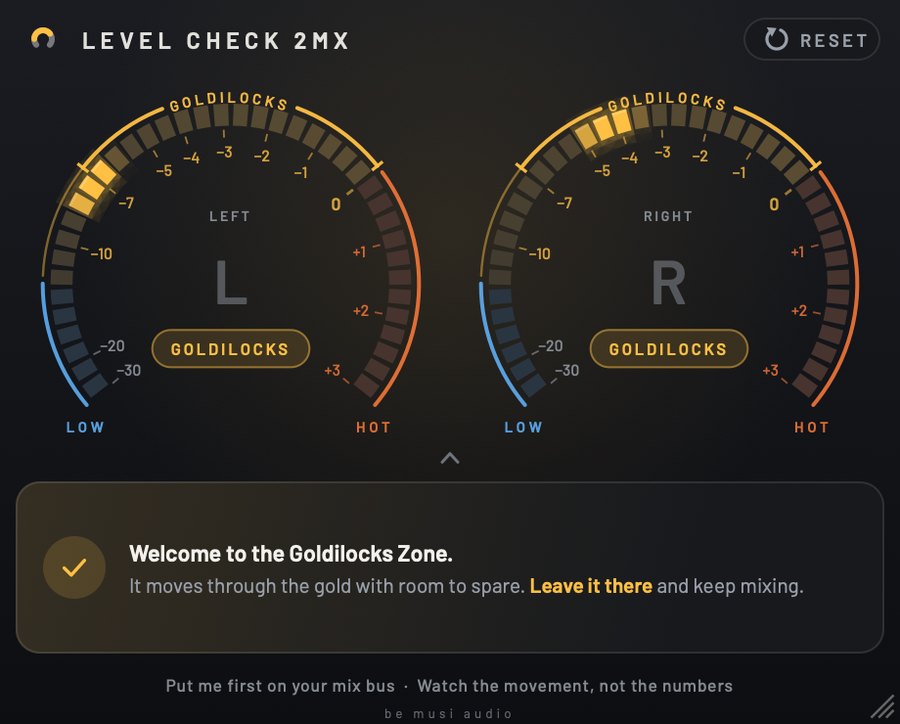
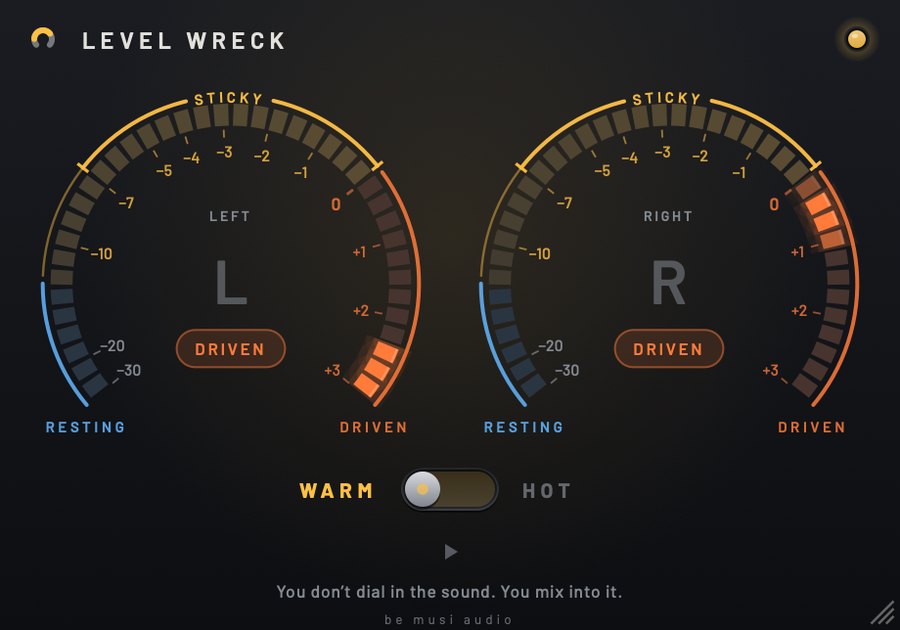
Tells you in plain English whether your recording level is right, and exactly how far to turn the knob.
Come back soon to purchase
• See it work
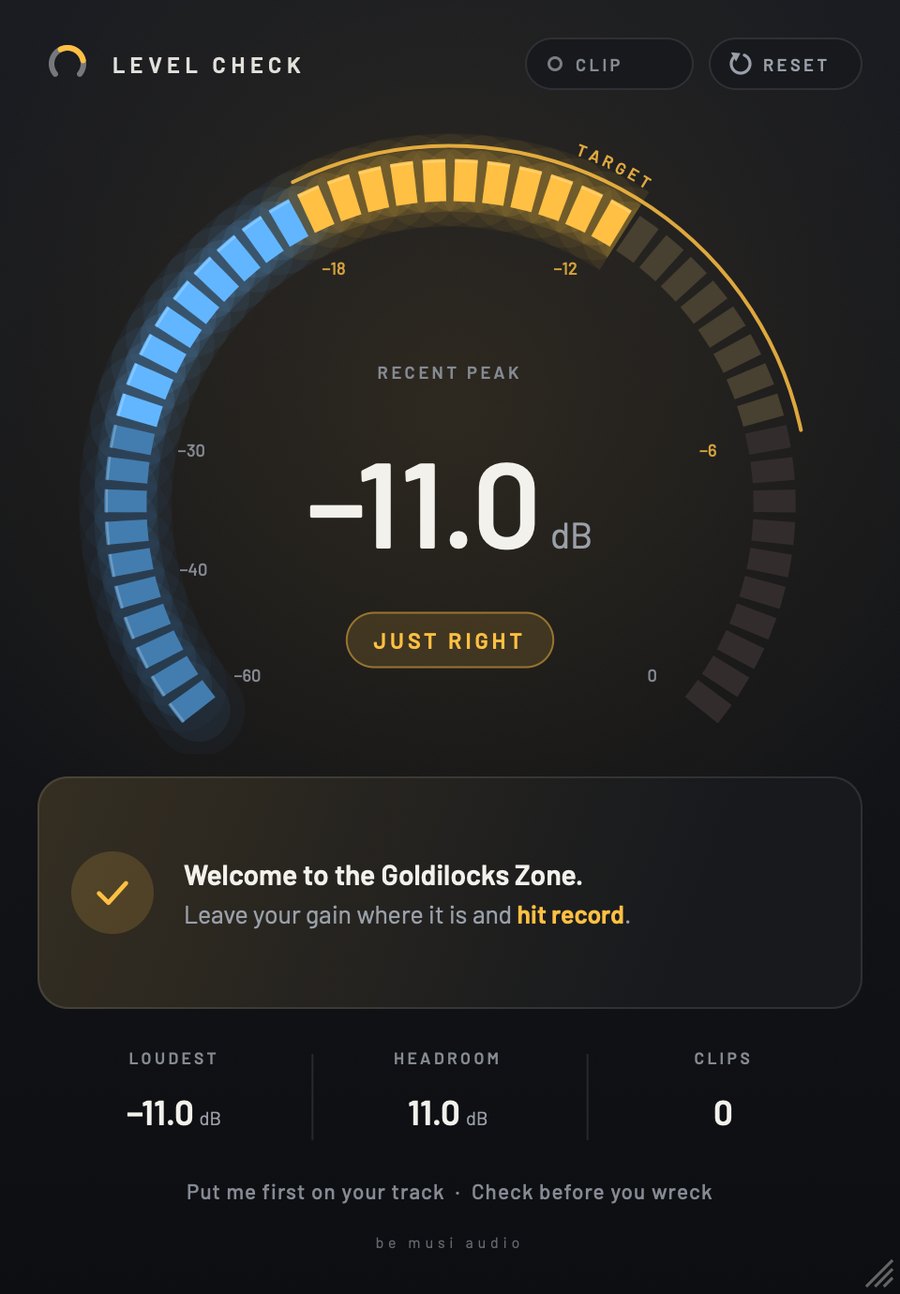
No peak, LUFS or RMS meters to decode. Just one zone to stay in.
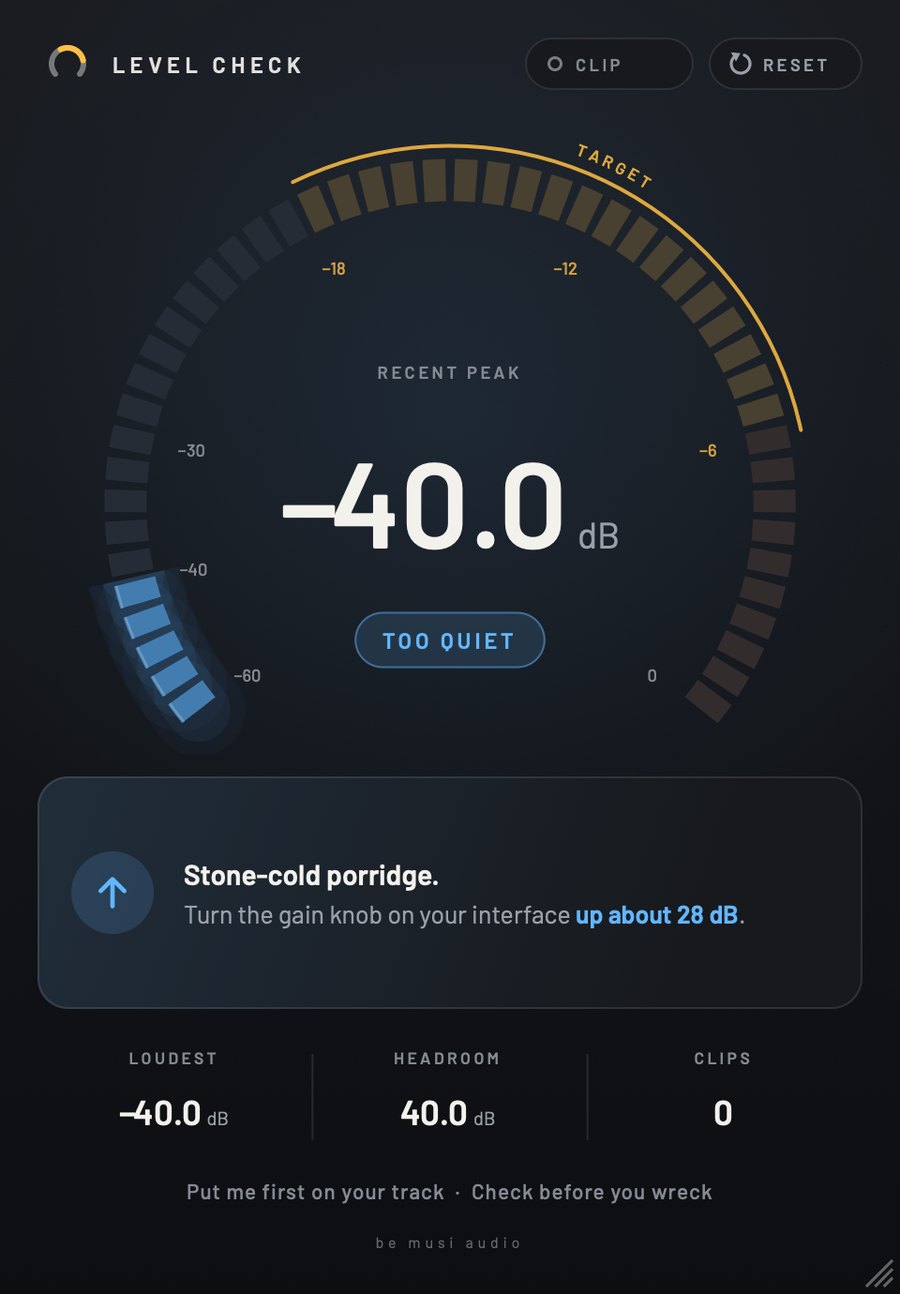
Too quiet
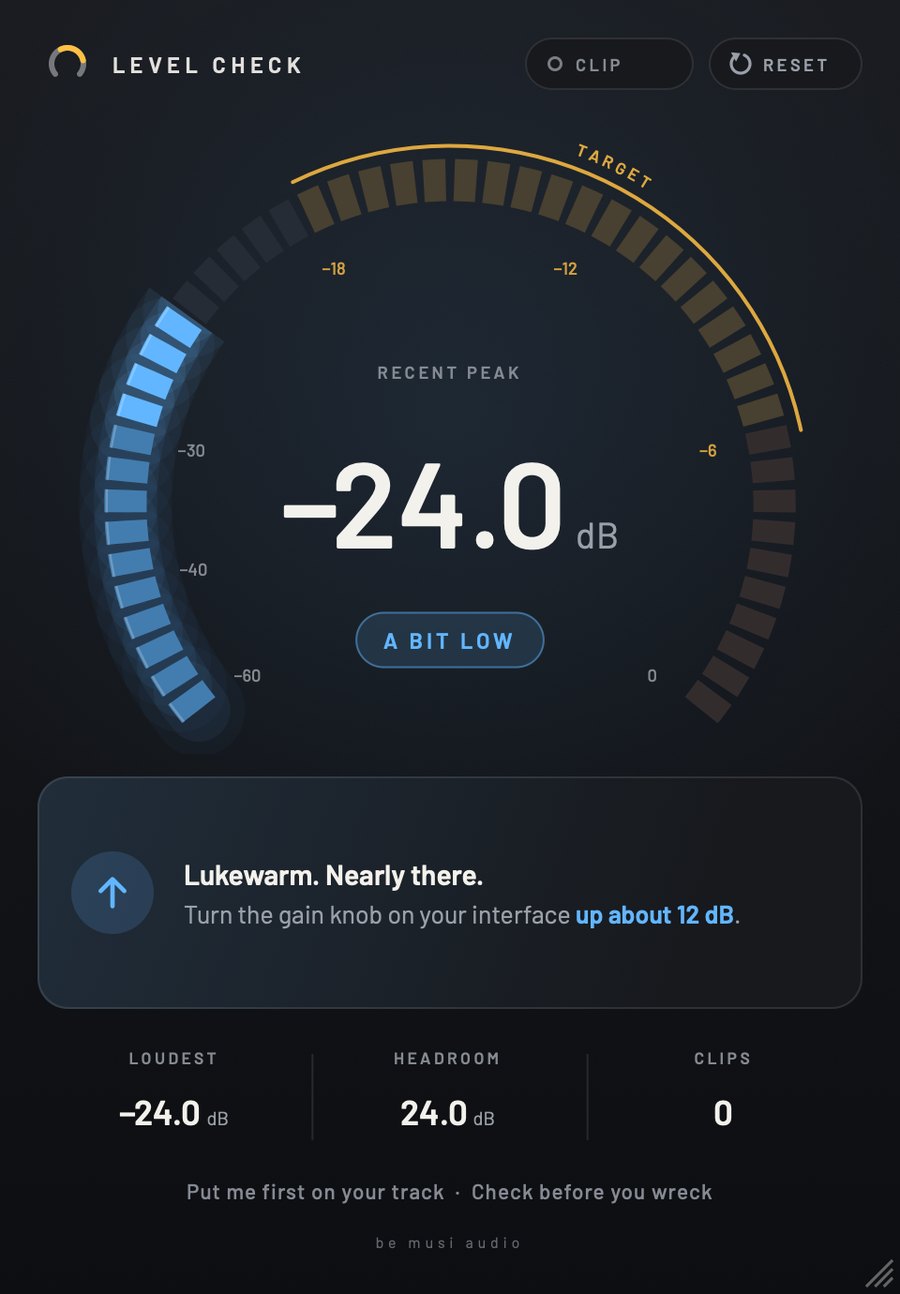
Peaks below −30 dB. Level Check tells you how many dB to turn the gain up.
• Built to teach
Anyone recording vocals or instruments who isn’t sure their level is right, or who’d rather not stop to check.
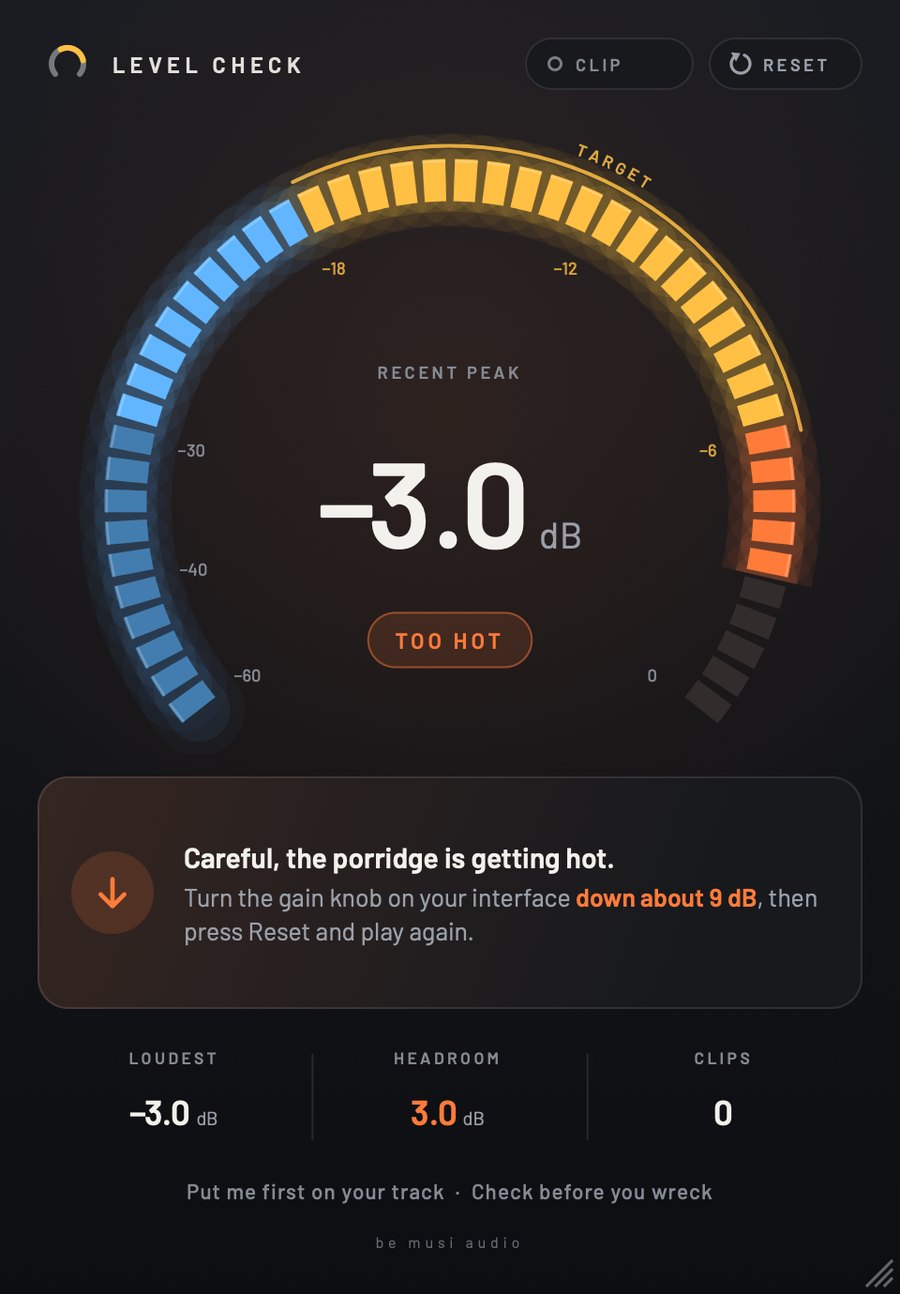
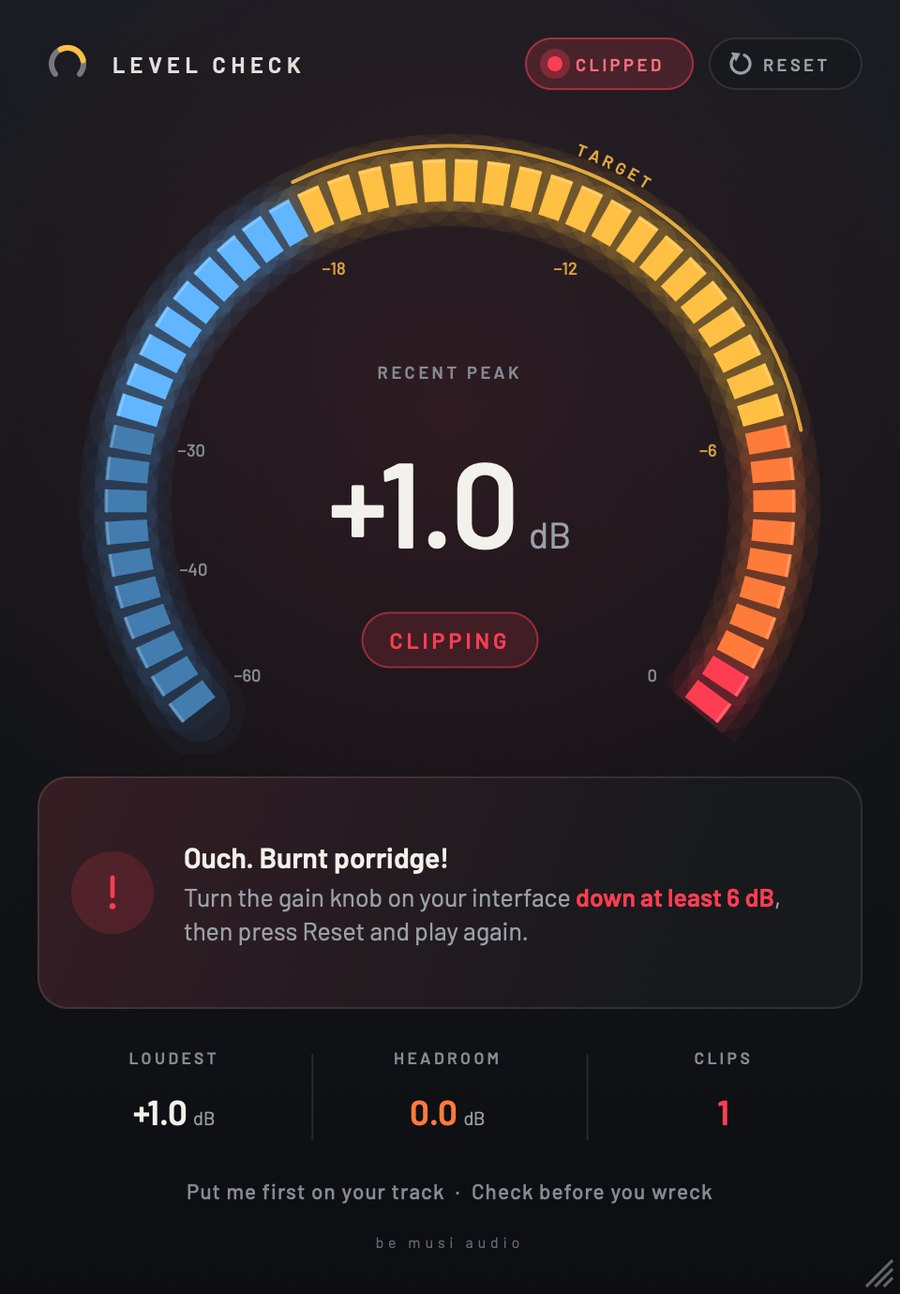
Too quiet, a bit low, just right, too hot or clipping, in plain English.
It tells you how many dB to move the gain, so there’s no guessing.
Loudest peak, headroom and clips since your last reset. They stay counted until you clear them.
The verdict follows the loudest moment of the last 4 seconds, so one quiet moment doesn’t fool it.
• On a real mix
One take, one zone. Watch the verdict change as your level does.
Video demo coming soon.
Mic / Instrument
→
Interface
→
Level Check
→
Your perfectly levelled track
Plugin
Formats
The question it answers
A signed Mac installer and an uninstaller
Works in
The question it answers
AU or VST3 host
Needs
The question it answers
macOS 12 or later, Apple silicon or Intel. Mac only for now.
License
The question it answers
One Mac per licence. Changed Mac? We’ll move it.
Includes
The question it answers
A signed Mac installer and an uninstaller
Which DAWs and formats does it work in?
Level Wreck is available as AU and VST3 for macOS. It works in Logic Pro, GarageBand, Ableton Live, Reaper, Cubase, Studio One, Bitwig and any other host that supports either format. There’s no AAX version, so it isn’t compatible with Pro Tools.
Is there a Windows version?
Not yet. The plugins are Mac only for now. If you’d like a Windows version, let us know and we’ll keep you posted.
Does it run natively on Apple Silicon and Intel Macs?
Apple Silicon only (M1 and later). There’s no Intel version, so please check your Mac before buying. To see which you have, click the Apple menu, then About This Mac. Under Chip, it will say Apple M1, M2, M3 or similar.
How does licensing work?
Coming soon
How many Macs can I use it on?
Each licence covers two Macs, ideal for a studio machine and a laptop. Replacing a Mac? Get in touch and we’ll free up the activation for you.
Can I try it first?
No demo at the moment, but every purchase is covered by a 7-day money-back guarantee. Try it on your own projects and if it’s not for you, email us within 7 days for a full refund.
Do you offer refunds?
Yes. Email within 7 days of purchase and we’ll refund you in full, no questions asked.